








 ChatGPT
  Claude
  Grok
Grok  Perplexity
  Gemini
 ★ Key Takeaways
To pay vendors online means sending supplier payments digitally instead of by hand.
One dashboard for ACH, checks, wires, and cards beats juggling several tools.
Batch uploads turn a long vendor list into a single run.
Approval steps and tracking add control over money that leaves your account.
Accounting sync keeps your books current without manual entry.
Zil Money lets you pay vendors online across multiple methods from one login.
Supplier payments should not eat your week. Here is how to run them the smart way.
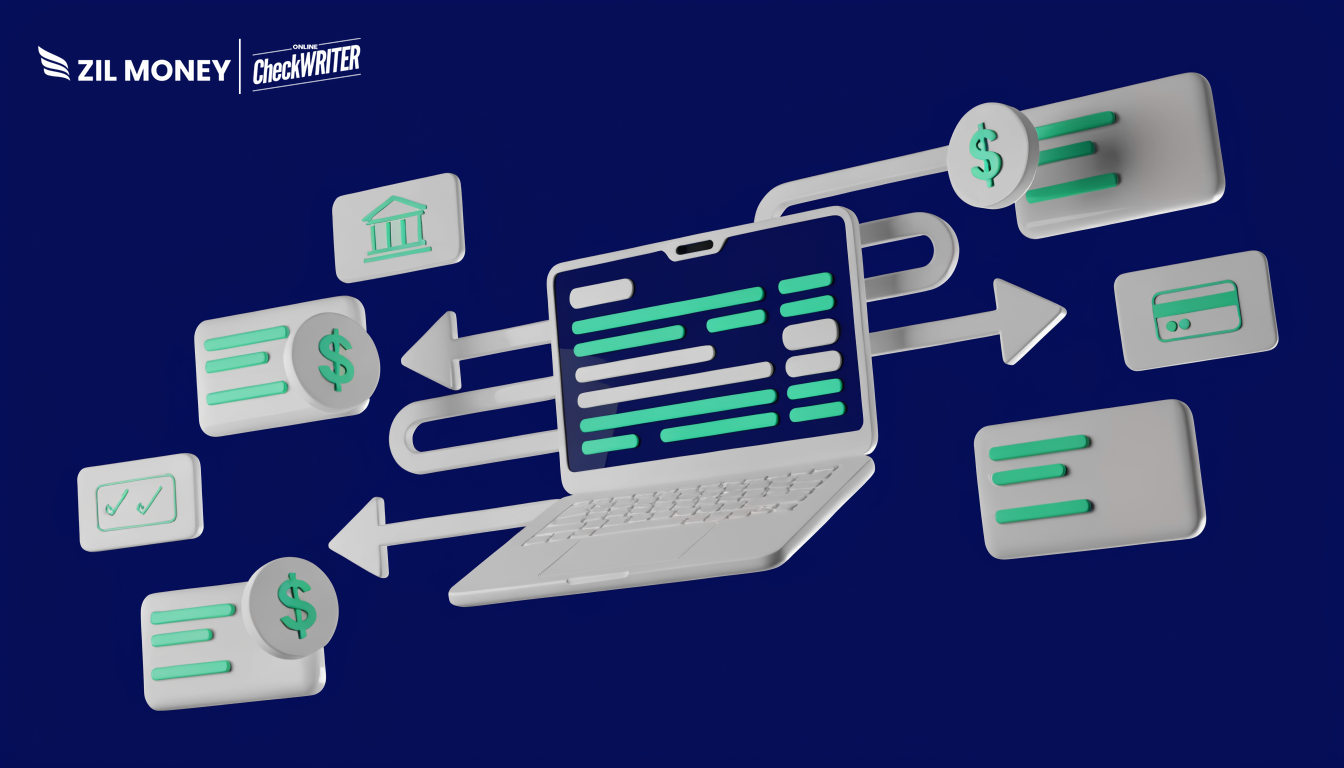
Learning to pay vendors online is the difference between a calm month-end and a scramble. A finance manager should not lose a Friday afternoon to envelopes, stamps, and a trip to the post office. When invoices stack up, delays and errors follow. Instead, the right platform lets you send every supplier payment from one screen. Zil Money brings ACH, checks, wires, and cards together, so you can pay vendors without switching tools.
The Real Problems With Paying Vendors by Hand
Paying suppliers by hand feels normal until the volume climbs. Then the cracks show. Here are the pain points teams run into most.
Too many tools: One app for ACH, a printer for checks, a bank portal for wires. As a result, no one has a single view of what went out.
One method for every vendor: Some suppliers want ACH. Others still want a mailed check. A few need a wire. A single-rail tool forces workarounds for each exception.
Slow, one-at-a-time payments: Paying 25 invoices individually burns hours. Meanwhile, due dates slip and late fees appear.
Weak approval controls: Without approval steps, a payment can leave before anyone signs off. So the risk lands on finance.
Manual bookkeeping: When payments do not sync, someone re-keys them into the ledger. Therefore duplicates and typos sneak in.
Limited tracking on paper: Once a check is mailed, following it is hard. In fact, Nacha reports that B2B ACH payments grew 11.6% in 2024 as businesses moved to faster, trackable digital rails.
Create the payment, click send, and skip the post office line.
How to Pay Vendors Online With Zil Money
Each fix below maps to a problem above, not to a feature list. That is the test for any tool you use to pay vendors online.
Every payment method in one place: Send ACH, print a check, wire funds, or pay by card from the same dashboard. So one screen covers every vendor.
Batch vendor payments at scale: Upload a list and run vendor payments in one pass. This turns a long invoice pile into a quick task.
Approvals and tracking: Set approval steps and follow each payment’s status. As a result, nothing large moves without a check.
Automatic accounting sync: Connect your accounting software so payments post to your books. Therefore your team skips the manual entry.
Card controls for tighter spend: Issue a virtual card with a set limit for a vendor or project. This helps cap exposure on each payment.
Credit-card funding when needed: Pay a vendor by card and keep working capital available for the week. Fees may apply, so confirm the terms for your account.
Ready to Pay Vendors Online?
Send every supplier payment, from ACH and checks to wires and cards, in one Zil Money dashboard.
Why Paying Vendors Online Matters
Business payments are shifting fast. The ACH Network moved 33.6 billion payments in 2024, and B2B volume grew 11.6% year over year, according to Nacha. That growth signals a clear trend: businesses want supplier payments that are faster to send and easier to track than paper.
A strong setup does two things at once. First, it keeps every payment rail available, because vendors will always differ. Second, it adds approvals and a clear record, so you can see who paid what and when. Moreover, it feeds your accounting system without extra steps.
That combination is what saves your team real time each month. Zil Money was built to hold all of it in one login. Worth a look if vendor day still means five tools and a stack of envelopes. Sign up today to see how the workflow fits your business.
Frequently Asked Questions
What does it mean to pay vendors online?
Which payment methods can I use to pay vendors?
Can I pay many vendors at once?
Will vendor payments sync with my accounting software?
How fast do online vendor payments arrive?
Zil Money is a financial technology company, not a bank. Banking services are provided by our partner bank, Member FDIC. FDIC insurance applies only to eligible products associated with those that have funds held in accounts at the partner bank, subject to applicable limits and requirements.