

QuickBooks Check
Print QuickBooks checks instantly and cut costs with blank stock paper.
Import and process payroll checks, bill payments, and credit memos effortlessly.
Secure your business finances with advanced fraud prevention tools.



Zil Money, is a financial technology company, not a bank. Banking and money movement services are provided through partner financial institutions and licensed service providers. FDIC insurance coverage applies only to eligible deposit products and accounts, and is subject to applicable terms, conditions, limitations, and requirements. Additional information regarding partner institutions, products, and services is available in the applicable terms and agreements.
One Platform, Every Payment – Pay Anyone, Anytime, Anywhere!
1.5M+
online business
accounts
120B+
transaction
value
22M+
checks
processed

From Import to Print in One Click
Import checks from QuickBooks Online or Desktop with a single click. Instantly print them on blank check stock—no expensive pre-printed checks needed.
Click Here for an Interactive Demo

Print and Pay with Ease
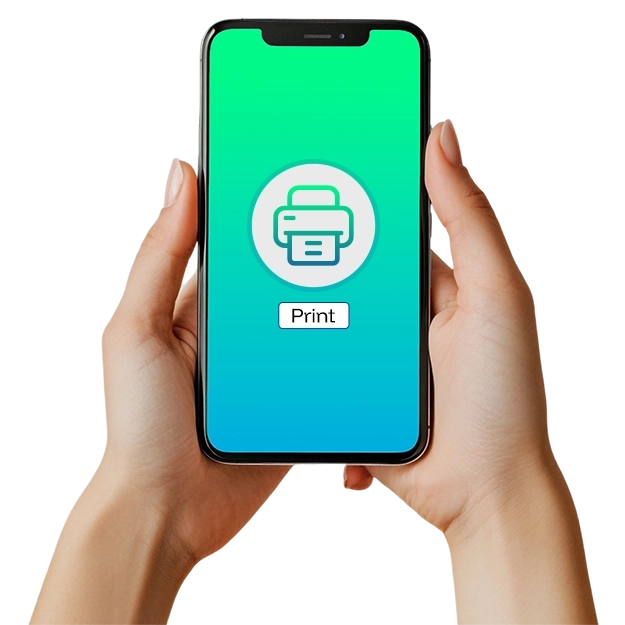
Print payroll and business checks in seconds using your existing printer. Forget about expensive pre-printed check stock—just load, print, and pay.




Stay Connected, Stay Protected
Connect multiple bank accounts in one place with support for 22,000+ financial institutions. Prevent unauthorized transactions with advanced fraud detection and reconciliation features.
Why Zil Money!
A technology-first approach
to payments and finance

Easy to Access

High Security

Easy Payment

Flexible Check Payments
Pay vendors, employees, or clients with eChecks, printable checks, or mailed checks. Send eChecks as one-time printable PDFs via email or have physical checks mailed safely through USPS or FedEx.
Frequently asked questions
Every Customer Review
is a Story of Trust





Cory Edwards
Owner Edwards Holdings Realty
The most helpful part is that Zil money can be used by everyone. It's very easy to navigate. THE USER INTERFACE is very easy to learn. It solves the problem of having various accounting software separately and unable to integrate. It allows all organization seamlessly.