






 ChatGPT
  Claude
  Grok
Grok  Perplexity
  Gemini
 ★ Key Takeaways
Generate a payment link to get paid without printing, mailing, or waiting on a check.
A link turns any invoice, email, or text into a clickable payment.
Buyers pay by card, ACH, or wallet from any device.
Faster collection eases the cash flow strain of late invoices.
Zil Money creates links you can share and track in one place.
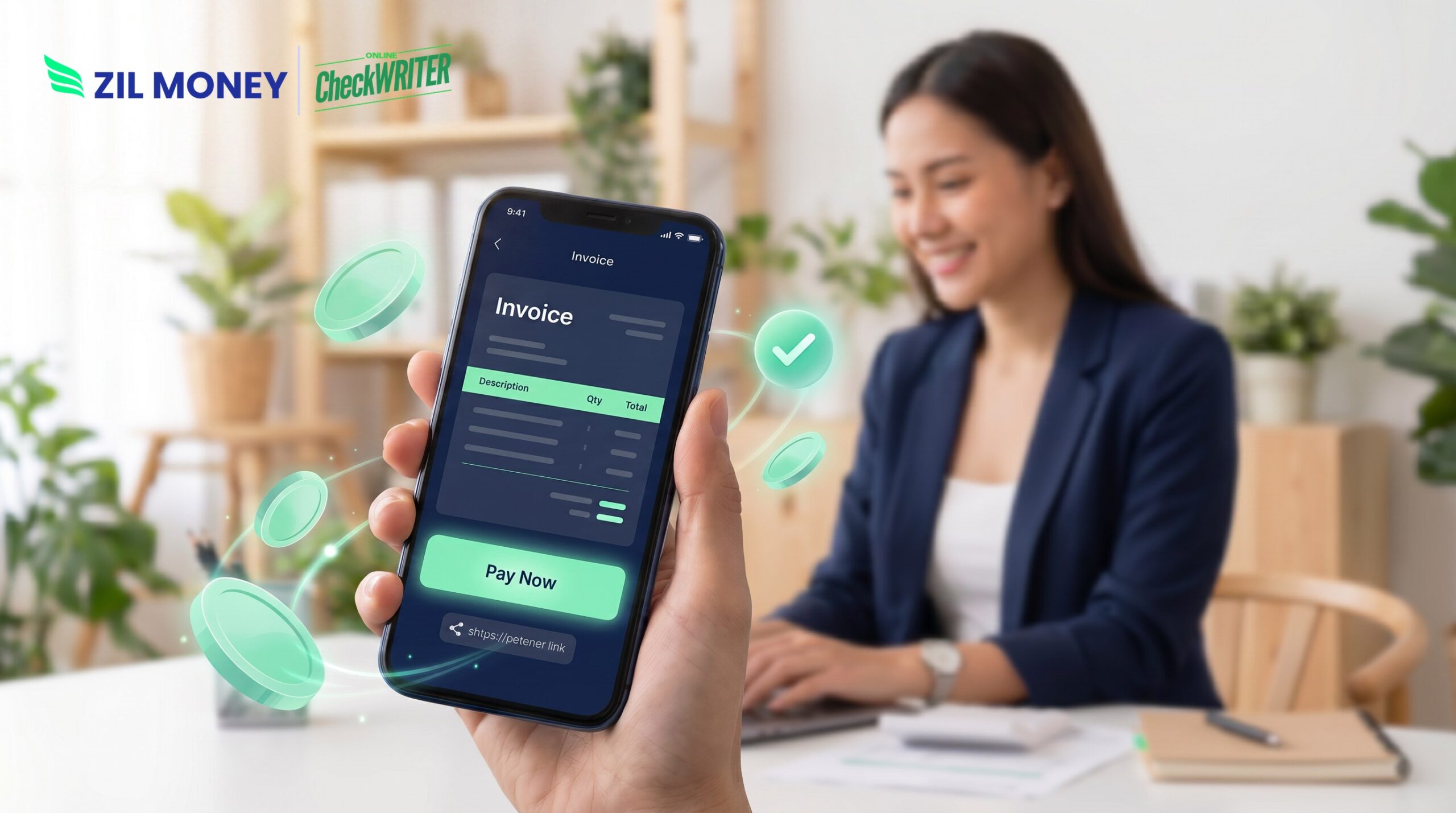
Generate a payment link to get paid, and you remove the biggest reason invoices sit unpaid: friction. When a buyer has to find a check, a stamp, and an envelope, payment slides down the list. A link changes that. It puts a pay button in front of the customer the moment they read your invoice. Zil Money lets you create, send, and track these links from one dashboard, so the money starts moving while the work is still fresh in the buyer’s mind.
The Real Problems With Chasing Invoices Manually
Late payments are not rare, and they are not cheap. Below are the pains that a manual, email-only invoice creates.
Money you already earned sits idle: According to the Intuit QuickBooks 2025 Small Business Late Payments Report, 56% of small businesses are owed money, with an average past-due balance of $17,500. That is cash you cannot spend.
Overdue invoices pile up: In the same report, 47% of businesses had invoices more than 30 days overdue. As a result, one late payment often hides behind three others.
Too many steps to pay: An email invoice asks the buyer to open a portal, find a card, or write a check. Because each step adds friction, some buyers simply stall.
Follow-up eats your week: Someone has to send reminders, re-send invoices, and field “which invoice?” replies. Meanwhile, that time never comes back.
Credit fills the gap: When receivables lag, owners lean on cards and loans to cover their own bills. So a collection problem quietly becomes a debt problem.
Create the link, share it, and let the buyer pay before they close the tab.
How Zil Money Helps You Generate a Payment Link to Get Paid
Each fix below maps to a problem above, not to a feature list.
Create a link in a few clicks: With payment links, you set the amount, add a note, and share. Then the buyer taps and pays from a phone or laptop.
Let buyers choose how to pay: A single link can accept cards, ACH transfers, or a digital wallet. Therefore you meet the customer where they already are.
Attach links to invoices: Pair links with invoice management so every bill carries its own pay button. As a result, the reminder and the payment live in the same place.
Skip the mailed check: Because the link settles digitally, no one waits on the post office. In fact, buyers can pay the same day they read the invoice, subject to cut-off times and processing reviews.
Track what is paid: Your dashboard shows which links are open, paid, or pending. So follow-up becomes a quick glance instead of a spreadsheet hunt.
Ready to Why Use Payment Requests?
Create a payment link, share it anywhere, and let customers pay in a few clicks.
Why Payment Links Matter for Cash Flow
Getting paid faster is not a luxury; it is how a small business stays liquid. When receivables stretch past 30 days, owners borrow to cover payroll and supplies. The QuickBooks data shows how common that trap is, with more than half of small businesses waiting on money they have already earned.
A payment link attacks the delay at its source. It shortens the path from “invoice sent” to “invoice paid” to a single click. Moreover, it works across the channels you already use, whether you send bills by email, text, or a customer portal. That flexibility matters, because the easier you make payment, the sooner it arrives.
The goal is a steady, predictable inflow rather than a scramble at month-end. Zil Money brings links, invoices, and multiple payment rails together, so you can generate a payment link to get paid and watch the cash arrive without the chase. Sign up today to see how it works.
Frequently Asked Questions
How do I generate a payment link to get paid?
What payment methods can a payment link accept?
Are payment links good for recurring or one-off billing?
How fast will I receive the money?
Zil Money is a financial technology company and not a bank. Banking services are provided by our partner bank, Member FDIC. FDIC insurance applies only to eligible products associated with those that have funds held in accounts at the partner bank, subject to applicable limits and requirements.