


 ChatGPT
 Claude
 Grok
Grok
 Perplexity
 Gemini
In an age where the widespread adoption of digital financial systems is prevalent, checks emerge as a pivotal element for businesses aiming to achieve efficiency, precision, and security in financial transactions. QuickBooks Online checks play a significant role in this landscape.
QuickBooks Integration
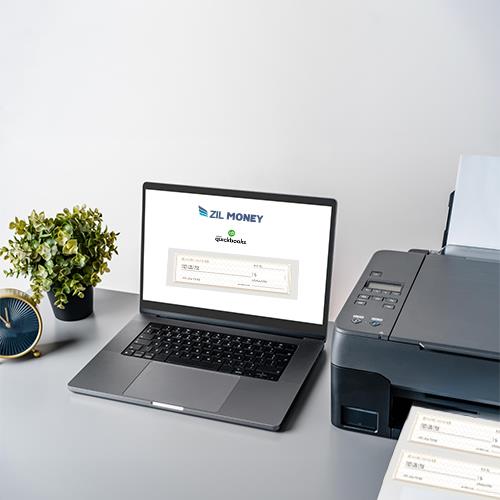
QuickBooks Online users can integrate with Zil Money to import or export checks, bridging the gap for those who need to print checks with bank routing and account numbers. The integration with QuickBooks supports various check formats, including Voucher checks, Standard checks, office and away checks, and wallet checks. Users can import checks onto the platform and print them on demand.
Simplified Payroll Checks
Businesses can print checks safely, effectively, and stylishly by integrating QuickBooks with Zil Money’s Check Printing Software. Offering a variety of features customized to meet the needs of bookkeepers, accountants, and businesses, this cloud-based system provides a complete financial solution on a single platform.
Pre-Printed vs. Blank Check Stock
The traditional approach of using pre-printed checks from banks comes with a high cost and potential security risks. The digital platform advocates for the use of quality blank check stock, available at office supply stores or online platforms like Amazon. Blank check stock offers a cost-effective alternative without compromising on security, as sensitive information is added during the printing process.
Customization Features
The checks are compatible with QuickBooks and offer customization options. Users can personalize business and personal checks by incorporating company logos and background images and selecting font styles. The drag-and-drop design feature allows for a tailored appearance on high-quality blank check stock.
Zil Money’s Check Printing Software, coupled with QuickBooks integration, allows businesses to print checks securely, efficiently, and with style. The cloud-based solution’s diverse features cater to the needs of accountants, bookkeepers, and businesses, providing a comprehensive financial solution in one location.